
Owner users
By default every Open WebUI user talks to your agent as the Gateway's owner. If people other than you can sign in to Open WebUI, list yourself in OWNER_USERS so everyone else's chats run without owner rights.
Applies to: Pipe, Action Valves: OWNER_USERS
When to set it
OpenClaw gives owner turns tools that act on your whole setup, such as scheduling automations and sending messages on your other channels. With the valve empty (the default, and the behaviour before it existed), every Open WebUI user gets those.
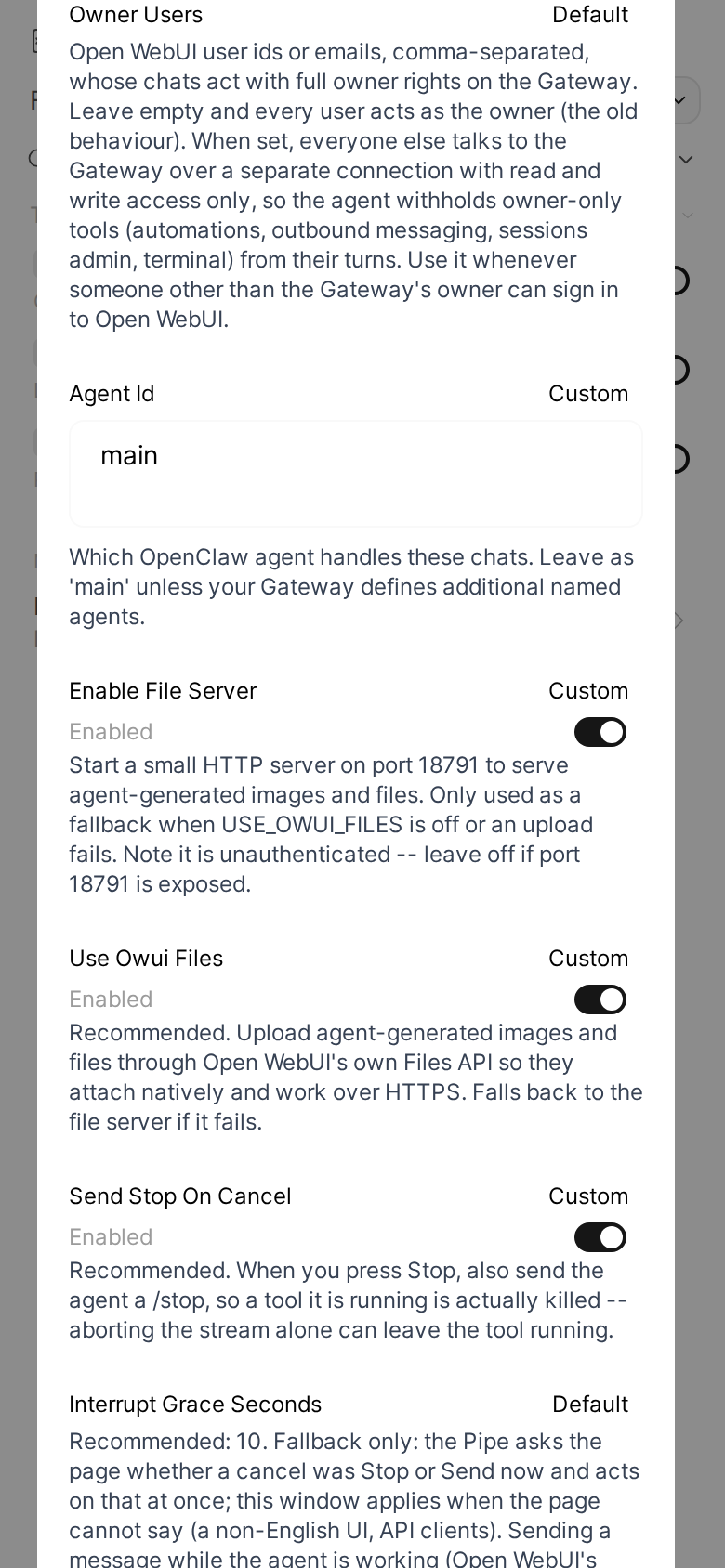
Set OWNER_USERS on the Pipe to the Open WebUI user ids or emails that should keep full rights, comma-separated. Usually that is just your own email.
Matching ignores case and spaces around each entry. A user is matched by id, or by the email of their Open WebUI account. When the Pipe cannot decide (the setting or the user cannot be read), the chat is treated as not the owner's.
What changes for other users
Users not on the list reach the Gateway over a second connection, with its own device identity (STATE_DIR/identity-restricted.json) and only the operator.read and operator.write scopes. Without operator.admin, the Gateway does not treat their turns as the owner's, so the agent does not offer them owner-only tools.
Every request that starts, stops or steers a run in their chats goes over that connection: sending a message, Stop, the model override, and the requests the Pipe sends on its own (a resume after a Gateway restart, a chat title, the answer to a question card). The Status dialog's Compact follows the same rule; the Status Action reads the list from the Pipe's saved valves. Reading history and showing replies stays on the main connection, which does not make a turn the owner's.
A secret the agent asks for (its secrets tool) goes into the owner's secret store, so these chats never get the masked dialog. A run they send cannot ask: that connection lacks the operator.questions scope, and the Gateway refuses the request. A run the agent starts in their chat (a cron job, a sub-agent's result) has the Gateway's own scopes and can; the Pipe cancels that request at once and the reply says it needs the owner. Left open, it could be answered in the Control UI and put your secret into a reply they read. See Questions.
A plugin approval (a tool call a plugin holds until someone allows it) is the owner's to give. A run they send cannot request one: that connection lacks operator.approvals, so the tool call is blocked. Should one still come from their chat, the Pipe denies it at once. See Questions.
On a loopback Gateway the second device pairs silently. On a remote one, approve it like the first, see Device pairing. The DEVICE_IDENTITY valve names only the main identity; the second one always has its own file.
In channels, every turn runs over that connection when the valve is set, yours too: a channel thread is one session shared by everyone in it.
What the agent still learns
The agent still learns who is writing. The Gateway accepts the "Conversation info (untrusted metadata)" block (chat id, user id) only from an admin connection, so for these users the Pipe puts the same block at the start of the message text, which is where the Gateway would have put it. A command such as /stop is sent as typed, without the block.
The block stays labelled untrusted, and a user can type a look-alike block, so treat it as a hint, never as proof of identity. Owner rights never come from it: the Gateway decides them from the connection a request arrives on. The block itself: the metadata contract.
What it does not do
This is not a sandbox. Everything an agent turn may do without owner rights stays available to every user. Which tools those are is up to your OpenClaw version and tool policy, and by default it can include running commands, reading the agent's workspace (its memory too) and listing other sessions. What they lose are the tools that need the owner, such as automations and messages on your other channels.
To keep other users away from your agent's commands, files and memory, give them their own agent: install a second copy of the Pipe with its own AGENT_ID, an agent with its own workspace and a narrow tool policy, and limit who may use each copy's model in Open WebUI (its access settings). Keep OWNER_USERS set on both copies. More in Security.
Leave the valve empty to keep the old behaviour.