
Sessions and models
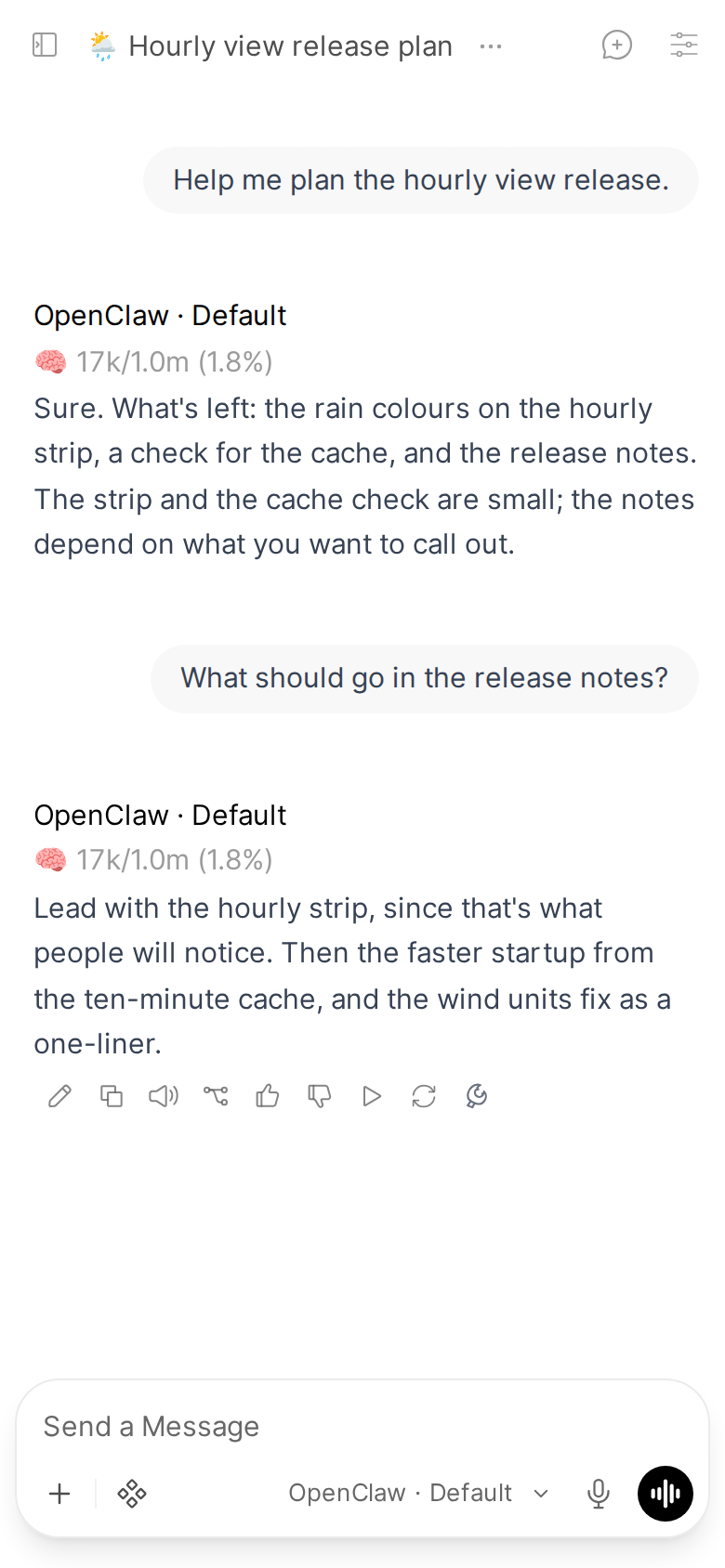
Each Open WebUI chat is one stable OpenClaw session, so the agent remembers the conversation, and the model picker lists the models your Gateway actually has. Pick one per chat, or pick OpenClaw · Default to use the agent's own model.
Applies to: Pipe Valves: AGENT_ID, DEFAULT_MODEL, MAX_MODELS, STATE_DIR
One session per chat
Each Open WebUI chat maps to a stable OpenClaw session key:
agent:{AGENT_ID}:openwebui-{user_id}-{chat_id}So the agent remembers context across messages, and across restarts of either side.
The agent also receives a provenance block naming the chat id, the user id and source=openwebui, which lets it tell an Open WebUI conversation from a Telegram one. The full contract is in the metadata contract.
Valve: AGENT_ID (default main). Leave it as main unless your Gateway defines other agents.
Edit, Regenerate, Fork and Clone
The agent's memory of a chat is a single line of messages: each time you send, the Pipe passes on only your newest message, and the agent adds it to what it already has. Open WebUI's chat is a tree, so when you change what the chat shows, the Pipe tells the agent with a short note before your message (a sentence or two, never on a normal send):
- Edit a message and press Send: the note quotes the start of the message you replaced and says it, and everything after it, is no longer in the chat.
- Regenerate a reply (Try Again): the note says the agent's earlier answer is no longer in the chat, so it answers your message afresh.
- Switch branches with the arrows under a message, then send: the note says how many messages the chat no longer shows and how many it shows instead, quoting the first of each.
- Delete messages, then send: the note says how many of the messages the agent remembers were deleted.
The agent still remembers the replaced messages; the note tells it which ones the chat no longer shows. Editing a message and pressing Save (without sending) changes only what you see.
Fork or clone a chat (a reply's Fork chat button, or Clone in the sidebar's chat menu): the copy is a new chat with a fresh session. Its first message carries the copied messages once, so the agent continues where the copy starts. They are cut to about 8,000 tokens (32,000 characters): the newest messages are kept, the oldest left out whole (the agent is told how many), and tool-call details are left out. Background work started from a chat (scheduled jobs, sub-agents) stays tied to the original chat, never to its copy.
For a clean start, open a new chat.
Several models side by side
Open WebUI can send one message to several models at once and show the replies next to each other. Each OpenClaw model gets its own session, so the replies run together, each on the model it is labelled with, and none sees the others' answers:
agent:{AGENT_ID}:openwebui-{user_id}-{chat_id}       first model (the chat's own session)
agent:{AGENT_ID}:openwebui-{user_id}-{chat_id}-m1    second model
agent:{AGENT_ID}:openwebui-{user_id}-{chat_id}-m2 third model- Place decides the session. The first OpenClaw model you pick uses the chat's own session, so a chat that never had two models is unchanged. Models from other providers in the same message do not take a session of the Pipe's, and one OpenClaw model next to another provider's keeps the chat's own session.
- Try Again on one reply goes to that model's session only; the agent there gets the usual note that its earlier answer is gone.
- Going on after you pick a reply: with one model selected, your next message continues in the session that gave the reply you picked. With several selected again, each session is told what the picked reply said in full, since it was written elsewhere. The same goes for a reply from another provider.
- A model added later gets the chat so far with its first message, the way a cloned chat does.
Why not one session with the replies queued? That is what the Pipe did before: the replies waited for each other, each saw the earlier ones, and every message set the session's model, so all of them ran on whichever model was set last. Separate sessions cost one session (and its memory of the chat) per model column, and the sessions drift apart as you go on; the Status button shows the chat's own session.
Merge responses is not handled: Open WebUI sends that request without the chat, so it runs in a throwaway session and the merged answer is not saved by Open WebUI either.
Model picker
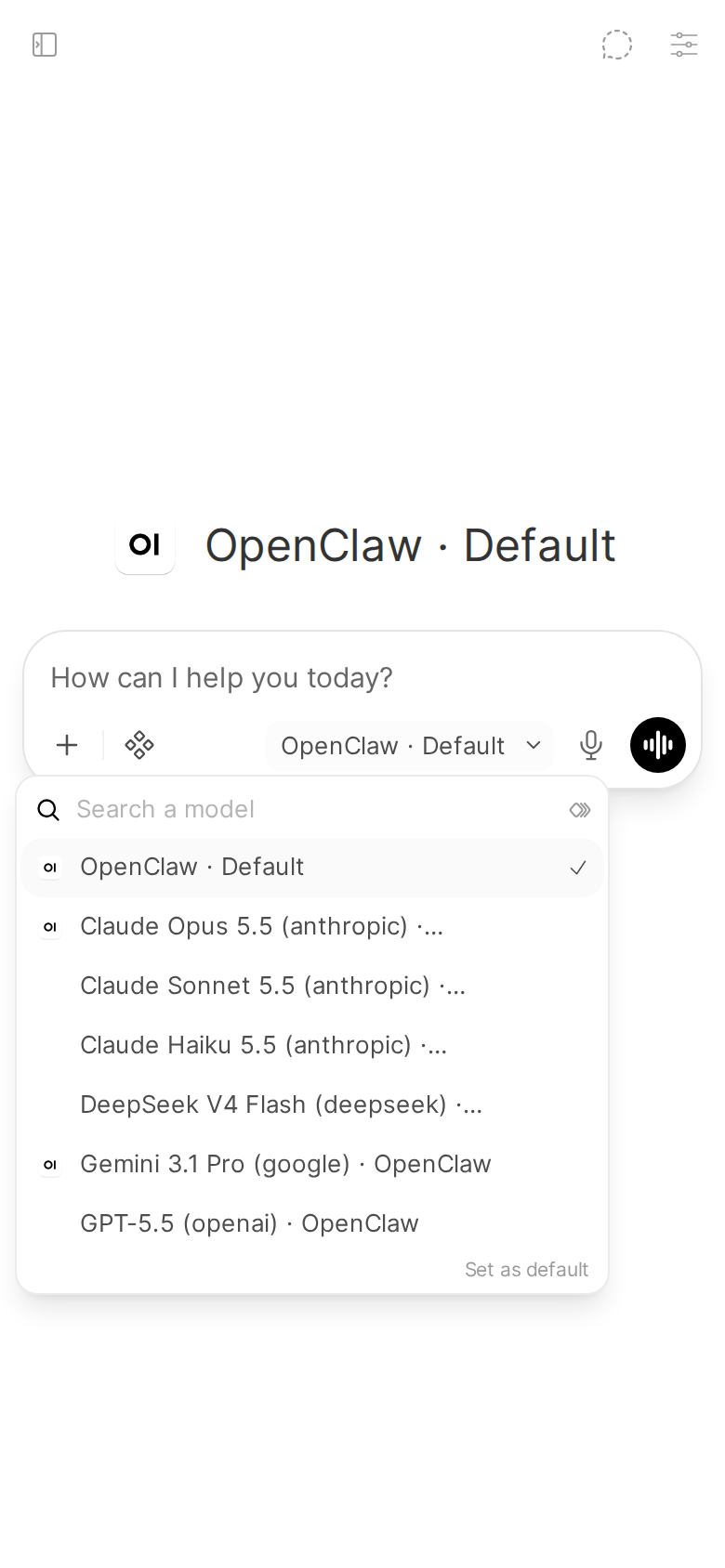
The Pipe is a manifold function: its pipes() calls the Gateway's models.list and returns one picker entry per model, named <Model> (<provider>) · OpenClaw, plus an entry that is always there, OpenClaw · Default.
- Picking a model sets that chat's OpenClaw session to that model. The override is applied with each message you send.
- Picking OpenClaw · Default clears the override, so the agent's configured model applies (or
DEFAULT_MODEL, if you set it). It always works, even before the Gateway has been reached.
Where the list comes from, in order:
- Live:
models.listover the Pipe's open connection. The result is saved toSTATE_DIR/models-cache.json. - Cache: that saved list, so your real models still show after a restart, before the first connection.
- Built-in examples: a short hardcoded list, used only when there is neither. These entries are labelled "-- example, Gateway not reached", in the picker and in the
DEFAULT_MODELdropdown both, so a placeholder never passes for one of yours. Pick OpenClaw · Default, send one message, then reload, and your real list replaces them.
Models the Gateway reports as unavailable (available: false in models.list, for example a provider with no credentials) are left out, since picking one could only fail.
Model keys with dots (gemini-3.1-pro-preview) route correctly. Runtime namespaces (claude-cli/, codex-cli/, google-gemini-cli/) count as their vendor, so an override that did apply is never reported as failed. A burst of messages in one chat collapses into one sessions.patch instead of one per message.
A model missing from the picker: see Troubleshooting.
Default model
DEFAULT_MODEL is the model used when OpenClaw · Default is picked. Leave it empty to use the agent's own configured model.
In the valve editor it is a dropdown of the models your Gateway knows, not a text box. It lists every known model key, whatever MAX_MODELS is set to, so you can always choose a default, even a model the picker hides. Before the first successful connection it shows the built-in example list, labelled as such.
Picker size cap
MAX_MODELS caps how many discovered models the picker lists: default 30, allowed range 1 to 100. A Gateway that knows two hundred models should not produce a two-hundred-entry dropdown.